📋 Metadata
- Author: Pluglug
- Date: 2025-02-27 01:33:41
- Type:
answer - Reply to: post_05439
- Replies (1): post_05441
💬 Content
Should this not overwrite existing hotkeys?
No, it’s perfectly fine to do so. However, Blender has a Keymap system with priorities that depend on context. For example, spacebar is registered for animation playback in the “frame” map. If you want to override this, you need to either set it in the same frame or configure it in a higher-level keymap like “screen”.
Am I able to set my pie menus to only work in face, edge, uv modes?
Yes, that’s possible. There are several techniques, but you should try the Poll method. Having basic Python knowledge (elementary school level) would be helpful.
 Pie Menu Editor 1.18.8 Released Scripts and Themes
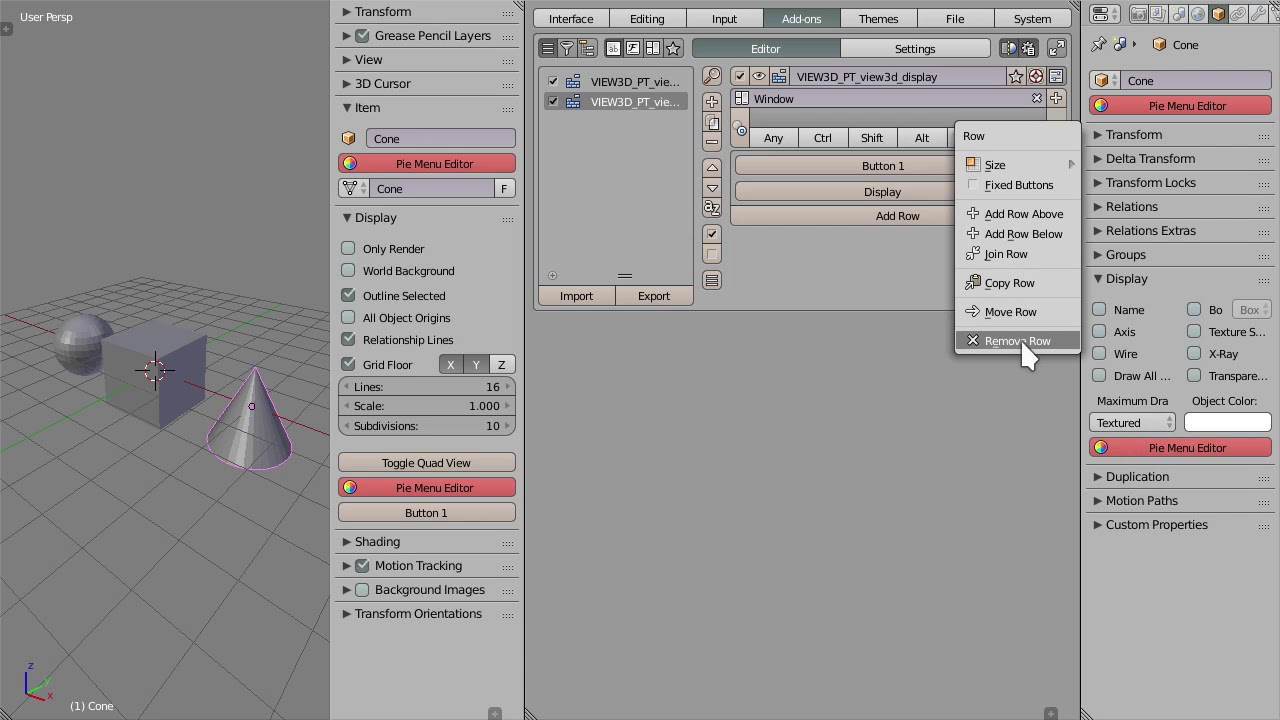
Have you tried the “Poll Method”? If you want to limit yourself to some situation, you need to set up a poll instead of a key map. There is a preset that is just right for this purpose, and I have illustrated how to set it with an image. This field will work if you write a conditional expression that returns “True”, so you can also add a GPencil Draw Mode as I have shown in the Option. I hope this solves your problem. [image]
![[image]](https://blenderartists.org/uploads/default/original/4X/b/b/9/bb9349d78f80a3c105d48bb6ef55189f0828ed6d.png)
How to have a pie within a pie?
Select an existing Pie Menu name from the menu tab. However, don’t expect Maya-like operational feel…
How exactly do the debug and interactive panels work?
Debug is a mode that requests detailed logs from Blender to track PME’s work history. The interactive panel is used when you want to get or extend expandable UI areas. Please watch the following video.
❤️ 1 likes