📋 Metadata
- Author: noKeyframes
- Date: 2020-08-26 21:07:07
- Type:
answer - Reply to: post_03542
💬 Content
glad it works!
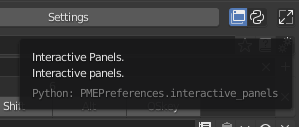
The first part was added with the interactive panel menu
panel('OBJECT_PT_transform', frame=False, header=False, expand=None, area='PROPERTIES')
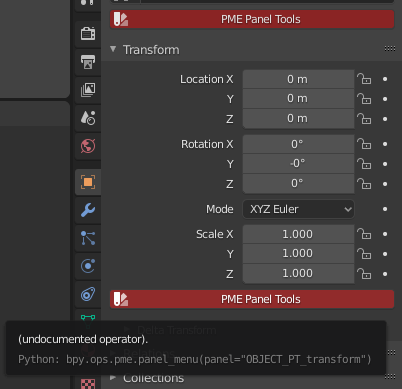
And for the second part that is “Dimensions” you need to know some python, It comes from a formatted C.object.dimensions property
For example an alternative option was making a popup dialog with 2 buttons, the first with the transform panel and the second with C.object.dimensions in the property tab. It would be the same but less tidy